
Features
Everything you need to publish beautifully.
Import the files you already have, make them interactive in a real editor, and publish e-Publications that read well on every screen — then see who reads them, protect them or sell access.
Create
Start from your file — or from a template
Bring PDF, Word, PowerPoint, EPUB or images, or start from one of 13 complete templates with real photos. Everything stays editable in the Studio.
- Import almost anything — PDF with links and bookmarks, Word, PowerPoint, OpenDocument, EPUB, HTML, Markdown, text and images.
- Edit the original PDF text — in the original fonts; scanned pages are recognised with OCR.
- Free photos built in — search millions of free photos and place them in one click.

Studio
A real editor, right in the browser
Precise pages
Text, images, shapes, link areas, video and galleries placed exactly where you want them, with undo and autosave.
117 page templates
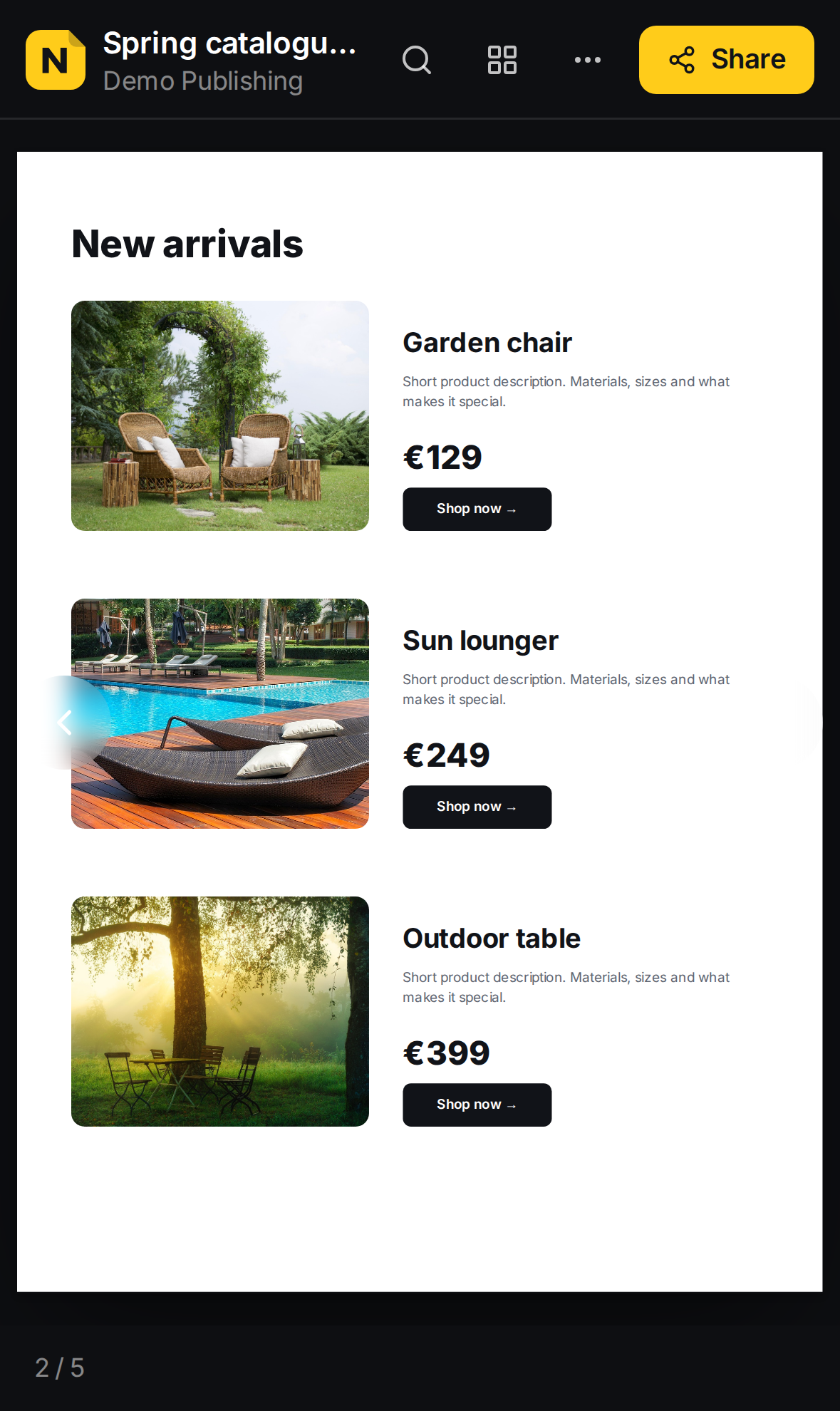
Covers, WebGL covers, text that moves, contents, articles, products, prices, countdowns, quizzes, forms and contact pages — add them to any e-Publication.
Animations
Fade, slide, zoom and pop entrance animations with timing you choose, previewed exactly as readers see them.
Interactive elements
Links to websites, e-mail and other pages, link areas, YouTube and Vimeo video, image galleries.
Page layouts
A book with a cover and double pages, single pages, or a vertical scroll with parallax — you decide how it reads.
Your fonts
Fonts from imported PDFs come along, so your pages look exactly like your print design.
Effects & 3D
Pages that move, turn and come alive
WebGL backgrounds
Ten living backgrounds — aurora, waves, galaxy, liquid and more — that follow the reader’s pointer. Or paste your own GLSL shader, Shadertoy style; the (i) help shows how.
Photo effects
Water ripples, liquid flow, 2.5D depth and an RGB glitch on any photo — the picture moves under the reader’s finger.
360° photos
Hotel rooms, venues, real estate: readers drag to look around and zoom in, right on the page.
3D models
Upload a .glb model of your product; readers turn it, zoom in and see it from every side.
Particle text & text that moves
Your logo or a word made of particles that scatter under the pointer, and eight text effects from typewriter to glitch.
Confetti & weather
Confetti, fireworks, snow, rain, hearts, bubbles, sparkles or falling leaves over a page — once when it opens, or all the time.
Sub-pages
Give a page pages below it (6.1, 6.2): readers scroll or swipe down — one at a time, or as one long page.
Polls, quizzes & forms
Ask your readers, quiz them with a score, or collect enquiries straight to your inbox and Statistics.
3D website mockups
Show a website scrolling in a browser and phone, counters that count up and countdowns to your launch.
Read
A reading experience people enjoy
Fast on every phone, tablet and computer — no app, no download, no sign-up for your readers.
- Touch gestures — pinch or scroll the wheel to zoom, double-tap to read, swipe to turn.
- Pages turn like paper — drag a page in a book and it follows your finger or mouse.
- Crisp when zoomed — imported pages load a sharper picture as soon as readers zoom in.
- My magazines — readers get a free account with everything they bought, on every device.
- Search with highlights — words light up softly on the page they open.
- Read aloud — the device reads the pages and turns them by itself.
- Contents and thumbnails — jump to any chapter or page.
Reach
Found, shared and accessible
Search engines
Every page has its own address, title and description — written by you or generated from the page.
Accessible
Screen readers get the text of every page, and the device can read it aloud.
Embed anywhere
Paste one line of code to show the e-Publication on your own website, or share the link anywhere.
Grow
See what works — and earn from it
All your e-Publications in one place, with the numbers that matter and the tools to protect or sell your best work.
- Analytics — views, pages read and link clicks, plus your own Google Analytics, Tag Manager, Meta Pixel or LinkedIn tags, loaded only after consent.
- Password and paid access — readers see preview pages first, then unlock or pay with card, Apple Pay or Google Pay.
- Sales — plan Black Friday −15 % (or any sale) from one date to another; the old price is crossed out and checkout charges the new one.
- Protected sign-ins — Google reCAPTCHA v3 keeps bots out of every sign-in and registration.
- Always up to date — publish again and the link stays the same; earlier versions can be restored.

Your brand and your team
Built for teams that publish
Branding
Your logo, an intro screen, About us and more e-Publications from the same folder. Remove the NodiMagazines badge on Pro.
Teamwork
Invite colleagues as owners, admins, editors or viewers. Organise e-Publications in folders.
Your templates
Save any e-Publication as a template for your organisation and start the next issue in seconds.
Private
until you publish — each organisation’s files are kept apart
Consent
before any marketing tag loads in the reader
No cookies
to track your readers in our own statistics
EU
company — Nodiver d.o.o., Koper, Slovenia
Your next catalogue, magazine or report — online today.
Start free. Upgrade when you publish more, need protection or want to sell access. No credit card for the free plan.